
Скачать HelpMaker – файл справки, система помощи, WinHelp, RTF, HTML, документация, инструмент разработчика, бесплатный инструмент, справка по программному обеспечению, пользовательское руководство
Обзор
HelpMaker — это ориентированный на продуктивность программный инструмент, разработанный для упрощения создания файлов справки для разработчиков и технических писателей. Его основная цель — позволить пользователям генерировать документацию в нескольких форматах — WinHelp, RTF и HTML — без необходимости обладать продвинутыми техническими навыками. Приложение решает распространённую проблему в разработке программного обеспечения: необходимость в ясных, доступных и хорошо структурированных материалах поддержки пользователей. Оптимизируя процесс создания файлов справки, HelpMaker сокращает время и усилия, необходимые для производства профессиональной документации.
Целевыми пользователями являются как начинающие разработчики, так и опытные технические авторы, которым требуется лёгкое, надёжное решение для генерации систем помощи. Инструмент особенно полезен для независимых разработчиков, небольших команд и участников open‑source, ищущих экономичное решение для документации. Несмотря на выпуск в 2009 году, HelpMaker остаётся актуальным благодаря своей простой функциональности и продолжающейся бесплатной доступности.
Разработчик, HelpMaker, не предоставил дополнительной информации о компании или организации. Однако долговременное присутствие приложения указывает на стабильный, функциональный дизайн с минимальными требованиями к обслуживанию. Реальные сценарии использования включают создание пользовательских руководств для настольных приложений, поддержку внедрения программного обеспечения и предоставление контекстной помощи внутри интерфейсов. В более широком программном экосистеме HelpMaker служит нишевым, но ценным утилитом для разработчиков, ставящих качество документации выше финансовых вложений.
Ключевые функции и возможности
- User-Friendly Interface: Designed with simplicity in mind, HelpMaker’s interface allows users to navigate tools effortlessly. Beginners can quickly grasp the workflow, while experienced users benefit from a clutter-free environment that focuses on core functionality.
- Comprehensive Toolset: All essential features for help file creation are integrated into a single package. This eliminates the need for external software or complex configurations, enabling users to design, edit, and compile help files within one environment.
- Multiple Format Support: The app supports the generation of help files in WinHelp, RTF, and HTML formats. This flexibility ensures compatibility with various platforms and user preferences, allowing developers to deliver documentation that meets diverse technical and accessibility requirements.
- Free to Use: HelpMaker is available at no cost, making it accessible to developers across all experience levels and financial backgrounds. This affordability removes a significant barrier to producing high-quality documentation.
For example, a developer creating a desktop application can use HelpMaker to draft a structured help system in HTML for web-based access, while also exporting a WinHelp version for legacy Windows environments. Similarly, a technical writer working on a software manual can leverage the RTF output for easy integration into publishing workflows. The tool’s ability to handle multiple formats in one session enhances productivity and ensures consistency across documentation versions.
Interface, UX & Performance
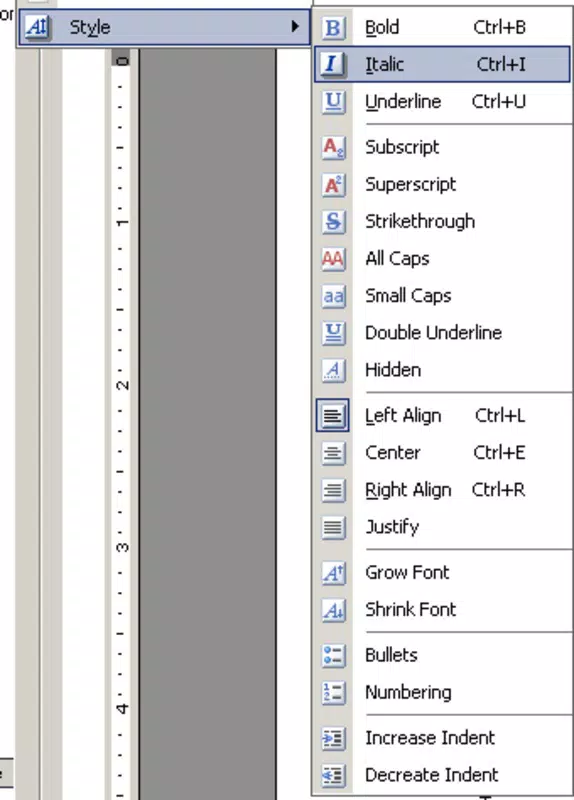
HelpMaker features a clean, minimalistic interface typical of older Windows productivity tools. The layout is organized around core functions—file creation, editing, and compilation—ensuring that users can access essential tools without unnecessary complexity. Navigation is linear and intuitive, with toolbars and menus positioned for efficient workflow execution.
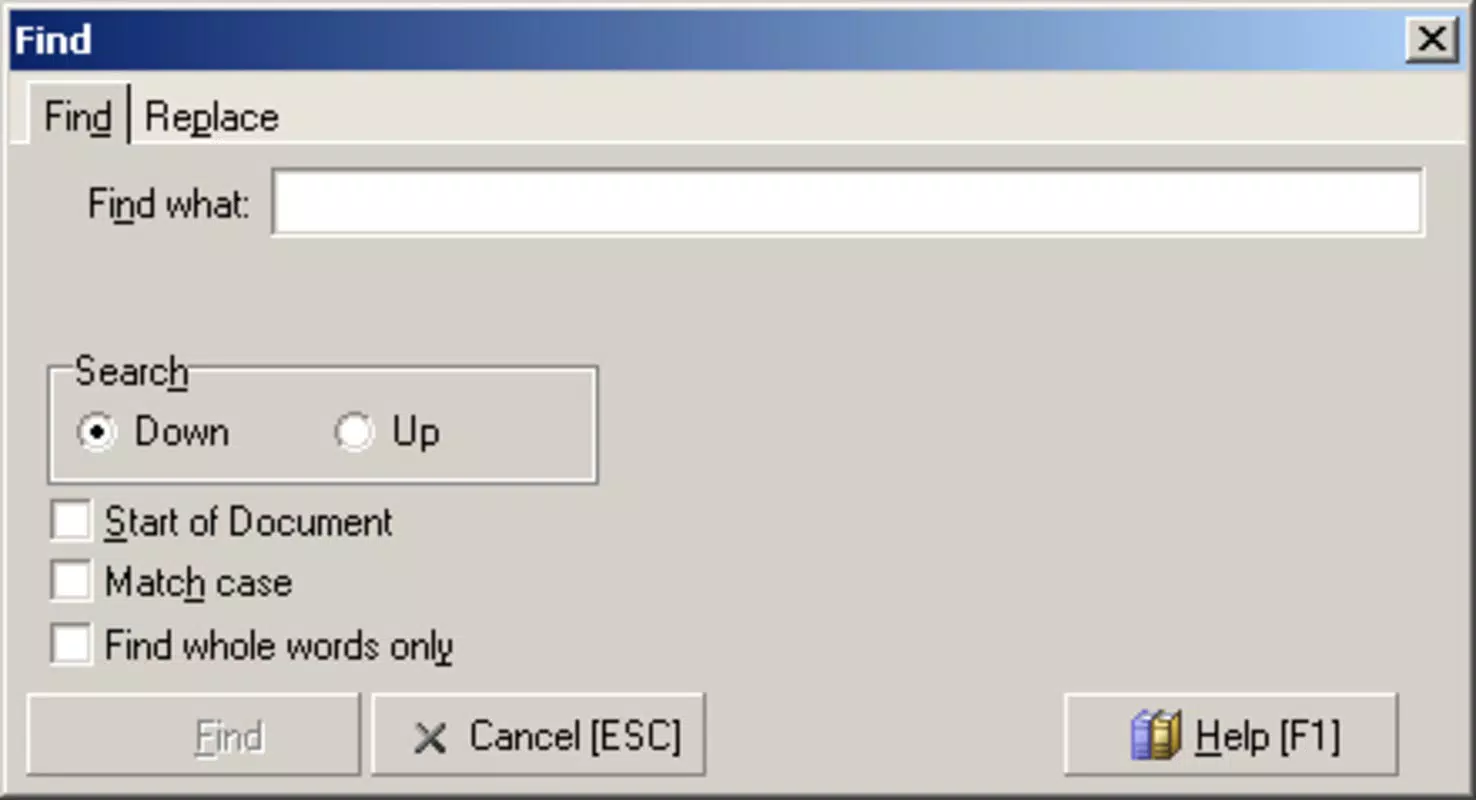
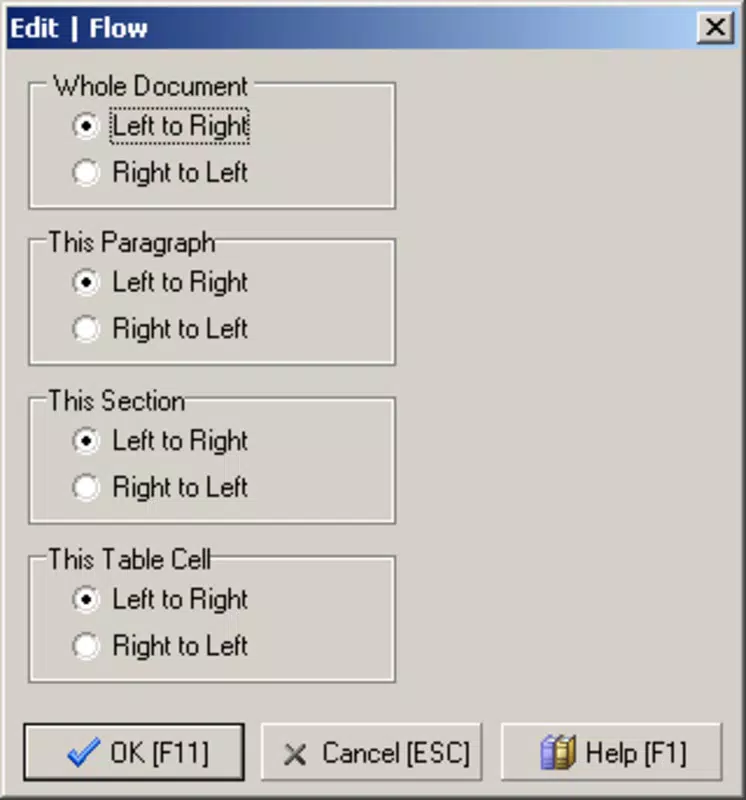
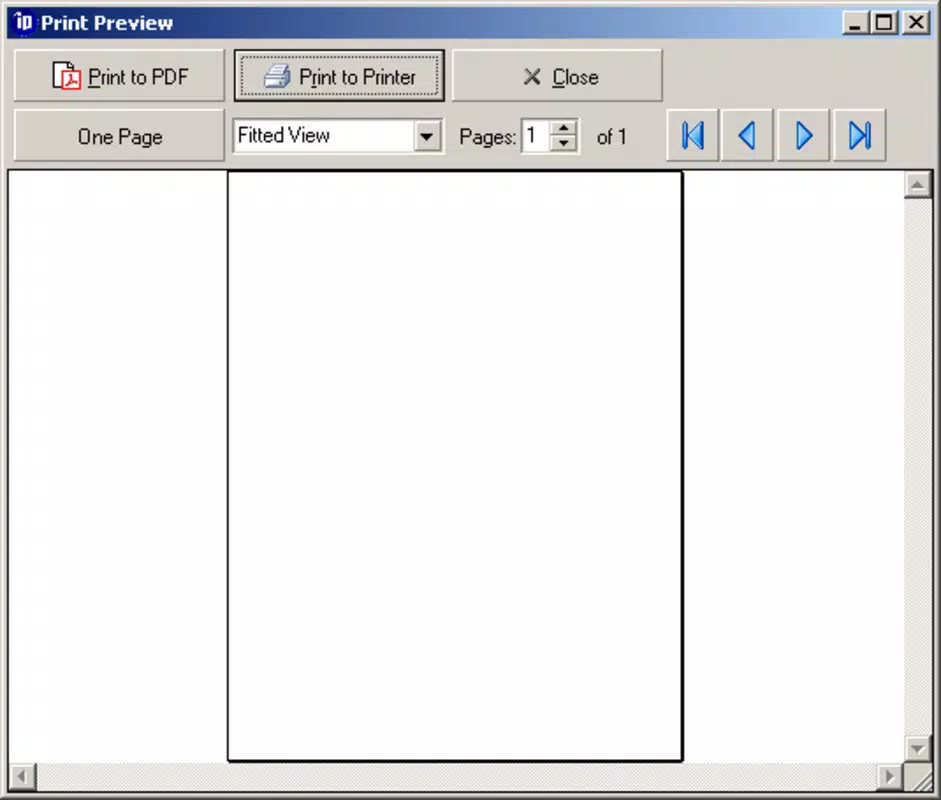
Visual style reflects the software’s age, with standard Windows UI elements such as dialog boxes, buttons, and text fields. While not modern by today’s design standards, the interface remains functional and readable. Users can expect consistent responsiveness across different Windows device categories, including desktops and laptops.
Although the developer did not list formal performance metrics, the app’s lightweight nature—10.5 MB in size—suggests low system resource usage. It is likely to operate smoothly on older and newer Windows systems alike. Stability appears reliable, given its long-standing presence in the developer community. No reports of crashes or data loss have been documented in publicly available sources.
Platform Compatibility & Technical Requirements
HelpMaker is designed exclusively for the Windows platform. It runs on Windows operating systems, though specific version requirements were not listed. The app has a file size of 10.5 MB, which is compact and suitable for quick installation and storage.
Compatibility information was not fully disclosed. The developer did not specify minimum OS requirements, so users should exercise caution when installing on newer Windows versions. While the app may function on modern systems, compatibility is not guaranteed. Users are advised to test the software in a safe environment before relying on it for critical documentation tasks.
Pros and Cons
Pros
- Free to use, removing cost barriers for developers and technical writers.
- Supports multiple help file formats: WinHelp, RTF, and HTML.
- Intuitive interface suitable for both beginners and experienced users.
- Comprehensive toolset integrated into a single application.
- Lightweight file size (10.5 MB) ensures quick installation.
Cons
- Released in 2009; no recent updates may limit compatibility with modern systems.
- Developer did not provide detailed technical specifications or OS requirements.
- Limited to Windows platform; no support for macOS, iOS, or Android.
- No cloud integration or collaborative features available.
- Outdated visual design may feel unmodern to current users.
FAQ
Is HelpMaker safe to download and install?
Yes, HelpMaker is a free tool that has been available since 2009. While no official security certifications were provided, its long-standing presence and lack of reported malware indicate it is safe for use on trusted Windows systems.
Can I use HelpMaker on Windows 10 or Windows 11?
Compatibility with Windows 10 and 11 is not officially confirmed. The developer did not list specific OS requirements. Users are advised to test the app in a virtual environment or on a secondary machine before full deployment.
Does HelpMaker support online or cloud-based help systems?
No cloud integration or web publishing features were listed. HelpMaker generates local help files that can be distributed via installation packages or shared directly.
Is HelpMaker regularly updated?
There is no evidence of recent updates. The current version is 1.0, released in 2009. Users should expect no new features or security patches.
Can I export help files for use in web browsers?
Yes, HelpMaker supports HTML output, which can be viewed in any modern web browser. This makes it suitable for creating web-accessible documentation.
Final Thoughts
HelpMaker remains a practical, no-cost solution for developers and technical writers needing to generate help files in multiple formats. Its intuitive interface, combined with support for WinHelp, RTF, and HTML, makes it a versatile tool for documentation creation. While its age and lack of updates are notable limitations, the app’s lightweight design and free availability continue to offer value.
It is most beneficial for users working on legacy software, small-scale projects, or environments where modern documentation tools are unnecessary. For those seeking a simple, reliable way to produce professional help systems without cost, HelpMaker delivers a solid foundation.
Download HelpMaker now


